Participants named by the messages they are in
Drawn
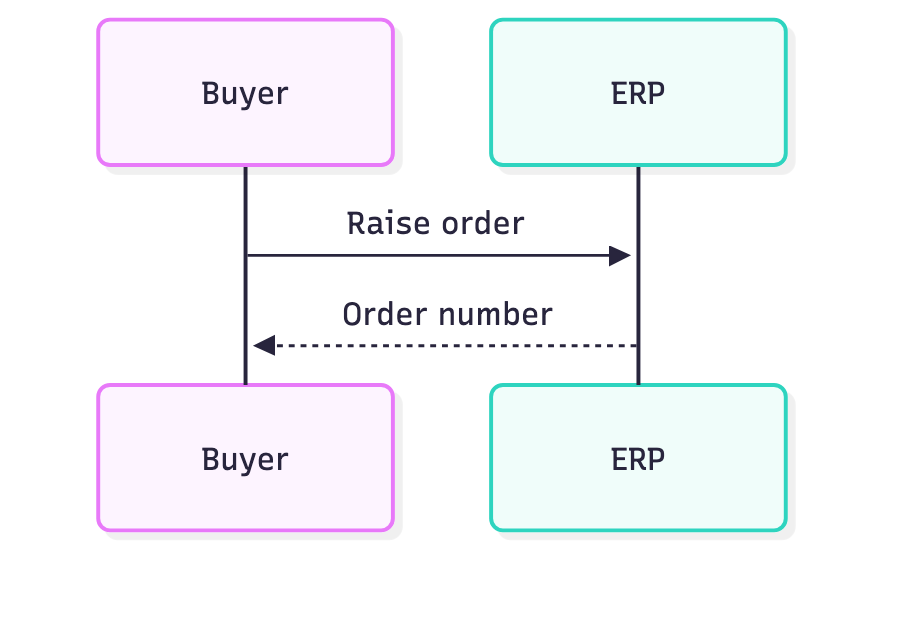

The Mermaid
sequenceDiagram
  Buyer->>ERP: Raise order
  ERP-->>Buyer: Order number
The library / Sequence diagrams
Not boxes and links, so it has seven rules of its own: participants in one row an even step apart, one message to a row, words off every lifeline. Its page goes through the messages one at a time.
42 samples: 40 drawn as written, 2 drawn less something. Mermaid’s side is mermaid-cli 12.2.0 as it comes, on white. Merlive’s is 0.6.1 in its own look. What is read of a sequence diagram.
Drawn
sequenceDiagram
Buyer->>ERP: Raise order
ERP-->>Buyer: Order number
Drawn
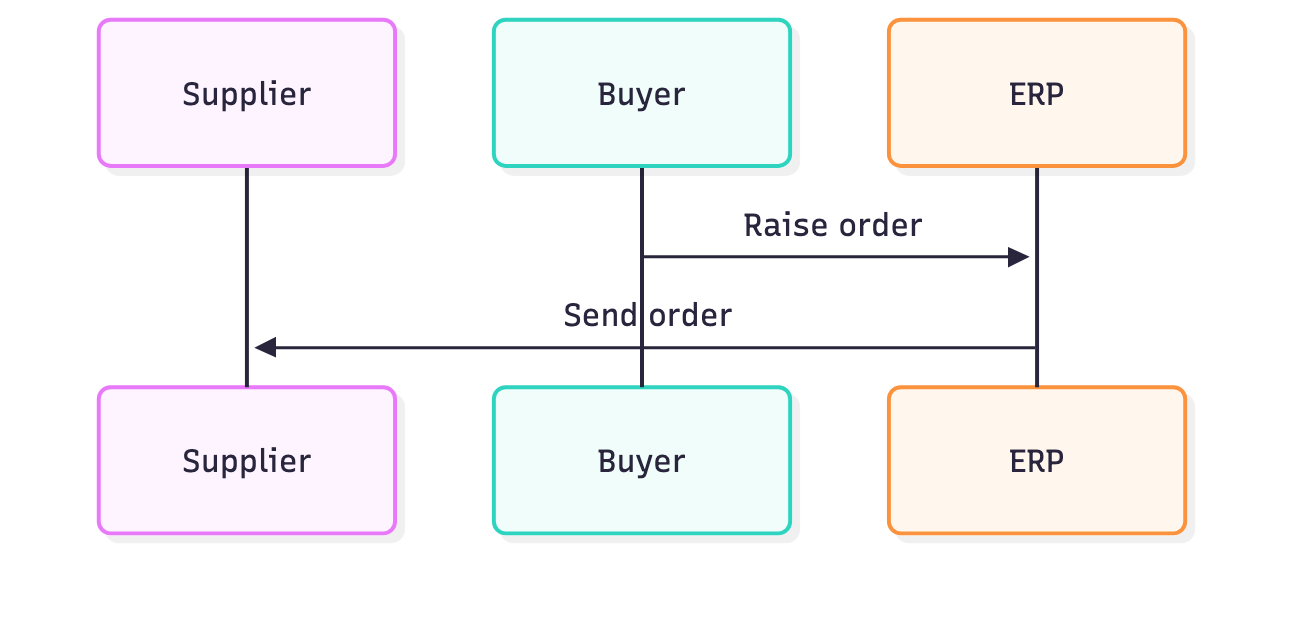

sequenceDiagram
  participant Supplier
  participant Buyer
  participant ERP
  Buyer->>ERP: Raise order
  ERP->>Supplier: Send order
Drawn
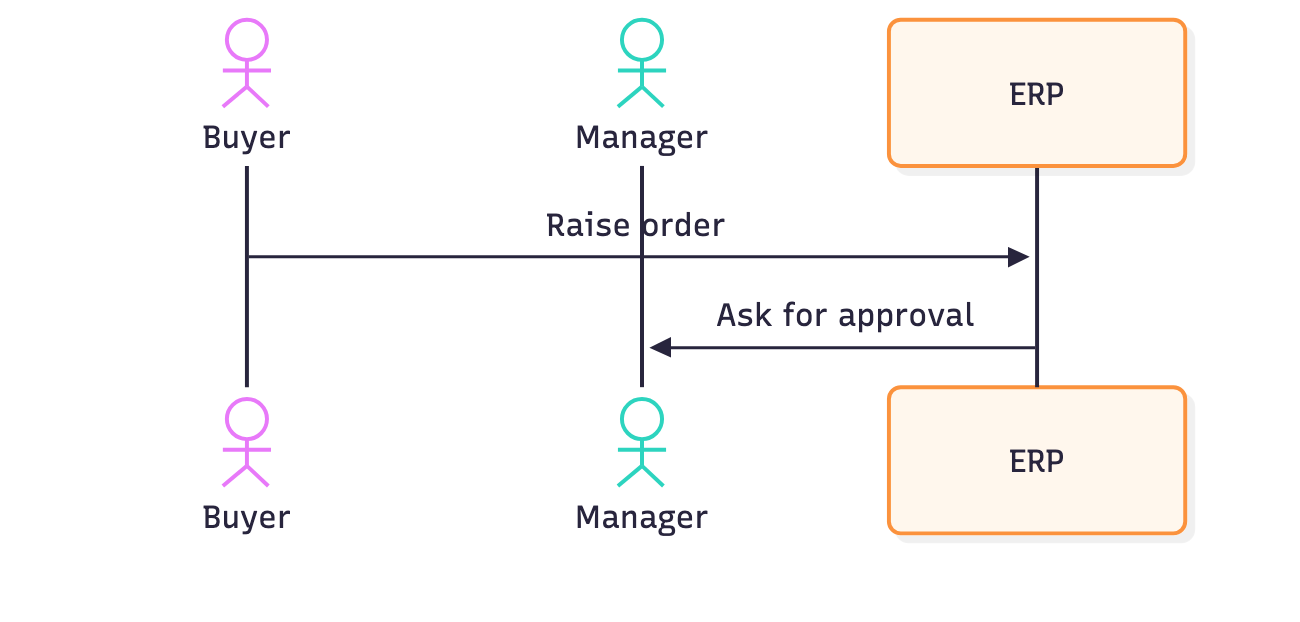

sequenceDiagram
  actor Buyer
  actor Manager
  participant ERP
  Buyer->>ERP: Raise order
  ERP->>Manager: Ask for approval
Drawn
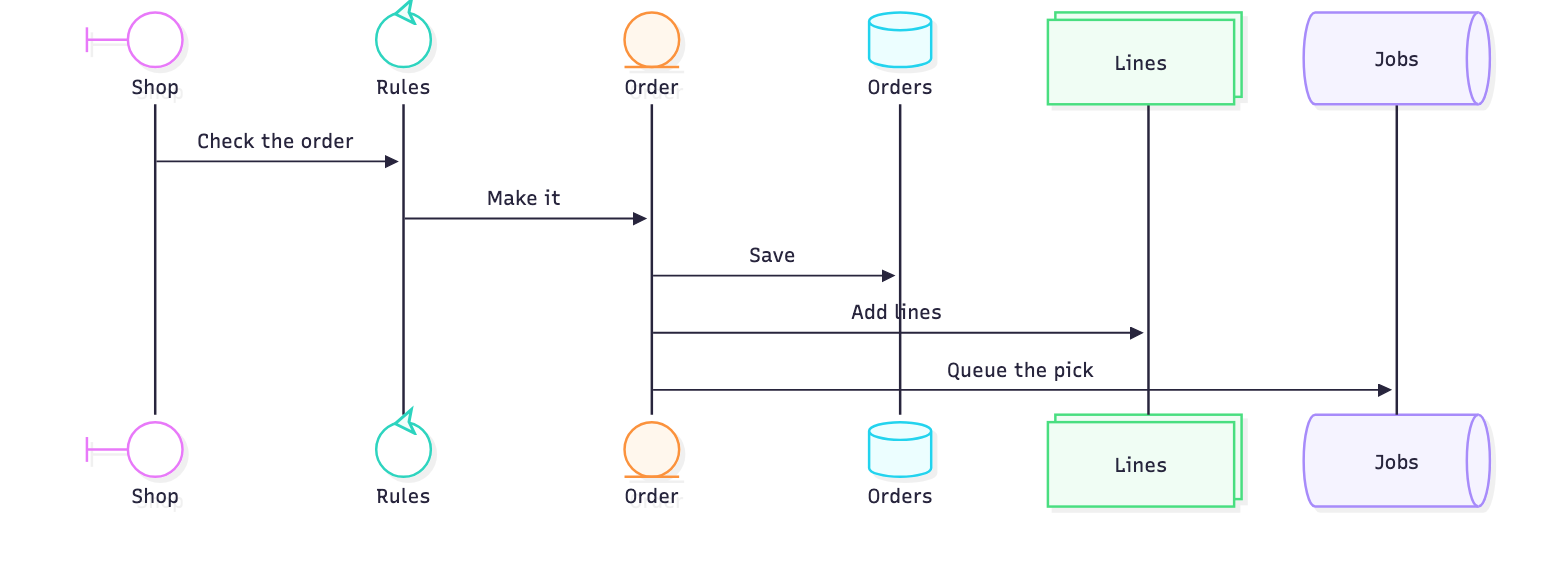

sequenceDiagram
  participant Shop@{ "type": "boundary" }
  participant Rules@{ "type": "control" }
  participant Order@{ "type": "entity" }
  participant Orders@{ "type": "database" }
  participant Lines@{ "type": "collections" }
  participant Jobs@{ "type": "queue" }
  Shop->>Rules: Check the order
  Rules->>Order: Make it
  Order->>Orders: Save
  Order->>Lines: Add lines
  Order->>Jobs: Queue the pick
Drawn
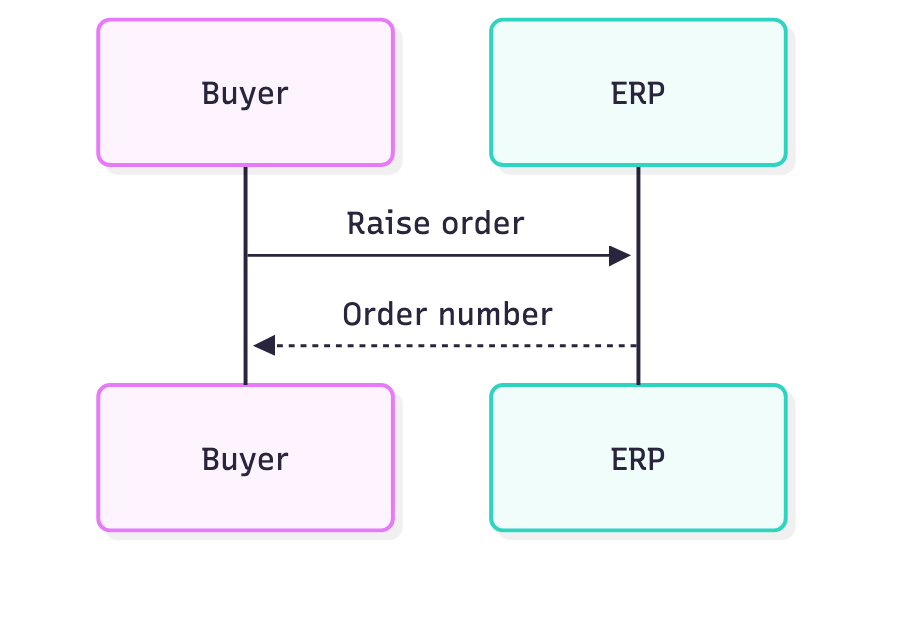

sequenceDiagram
  participant B as Buyer
  participant E as ERP
  B->>E: Raise order
  E-->>B: Order number
Drawn
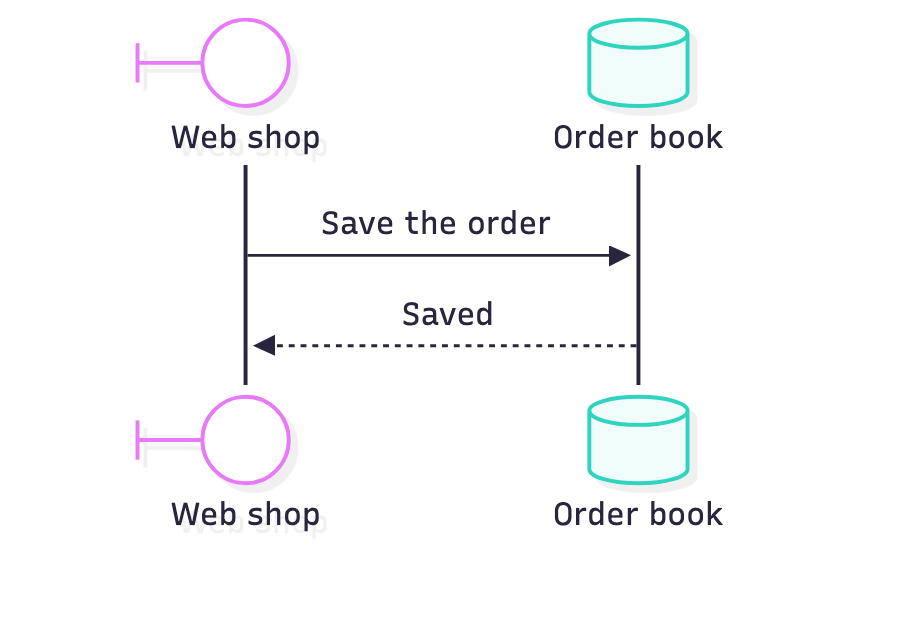

sequenceDiagram
  participant Shop@{ "type": "boundary", "alias": "Web shop" }
  participant Db@{ "type": "database", "alias": "Order book" }
  Shop->>Db: Save the order
  Db-->>Shop: Saved
Drawn
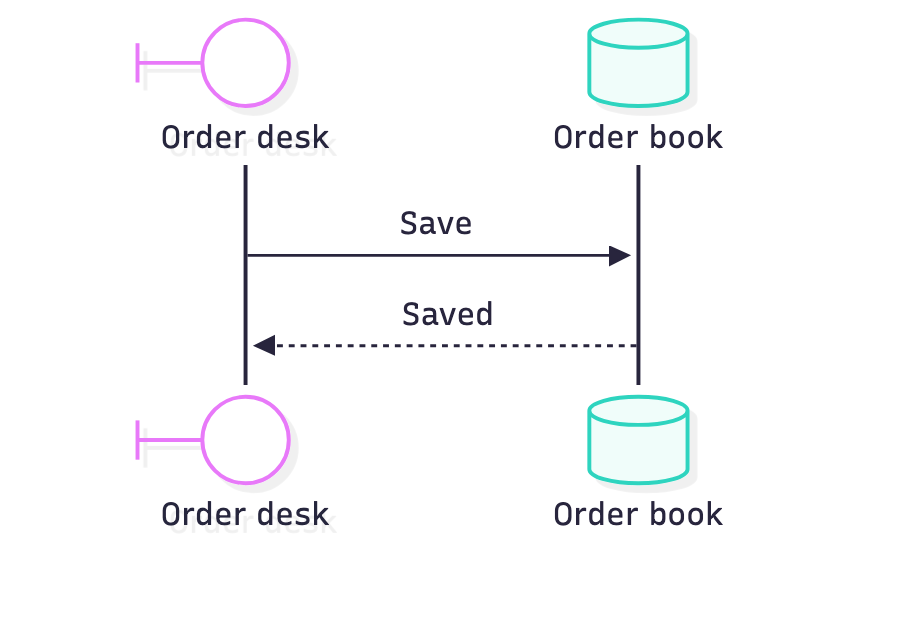

sequenceDiagram
  participant Desk@{ "type": "boundary", "alias": "Inside name" } as Order desk
  participant Db@{ "type": "database", "alias": "Inside book" } as Order book
  Desk->>Db: Save
  Db-->>Desk: Saved
Drawn
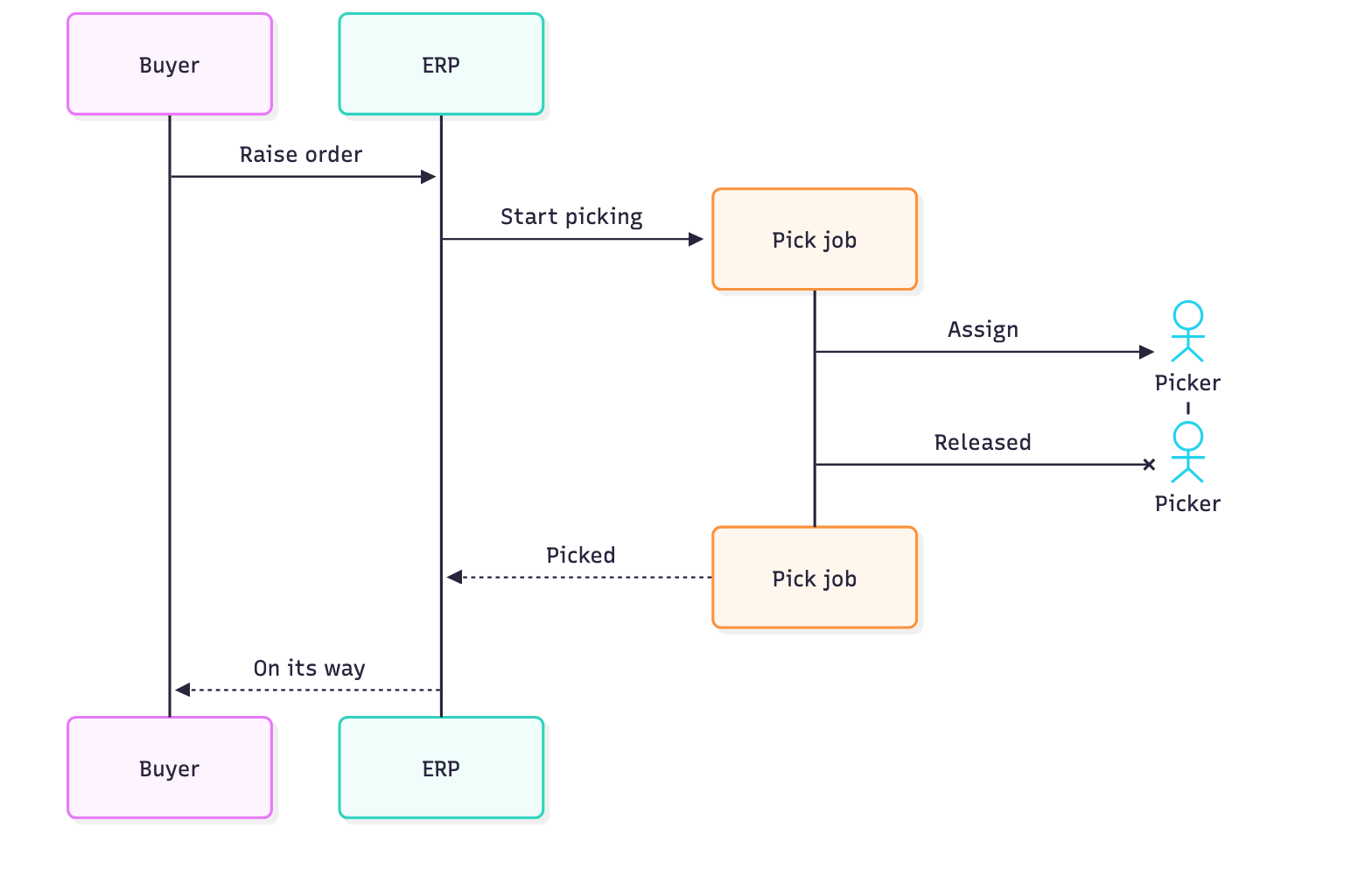

sequenceDiagram
  Buyer->>ERP: Raise order
  create participant J as Pick job
  ERP->>J: Start picking
  create actor P as Picker
  J->>P: Assign
  destroy P
  J-xP: Released
  destroy J
  J-->>ERP: Picked
  ERP-->>Buyer: On its way
Drawn
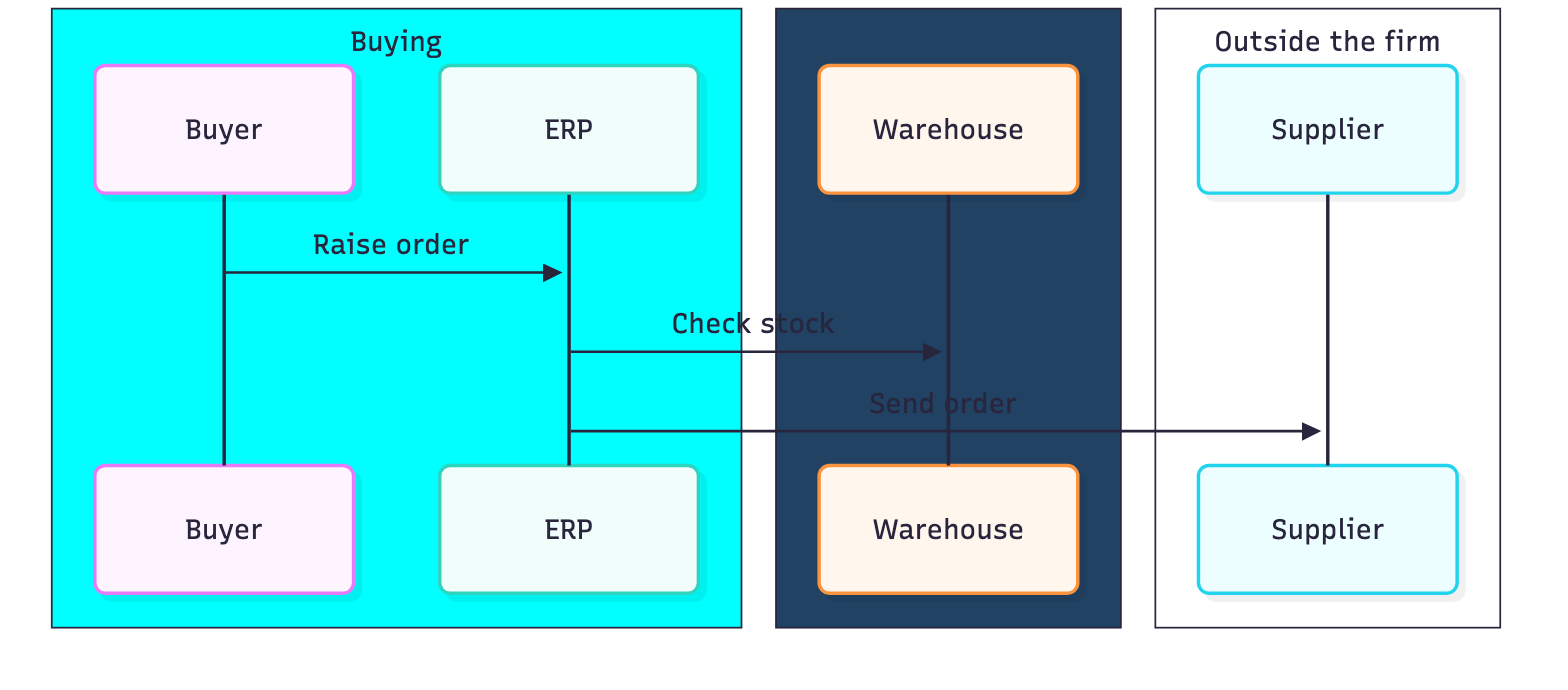

sequenceDiagram
  box Aqua Buying
    participant B as Buyer
    participant E as ERP
  end
  box rgb(33,66,99)
    participant W as Warehouse
  end
  box Outside the firm
    participant S as Supplier
  end
  B->>E: Raise order
  E->>W: Check stock
  E->>S: Send order
Drawn
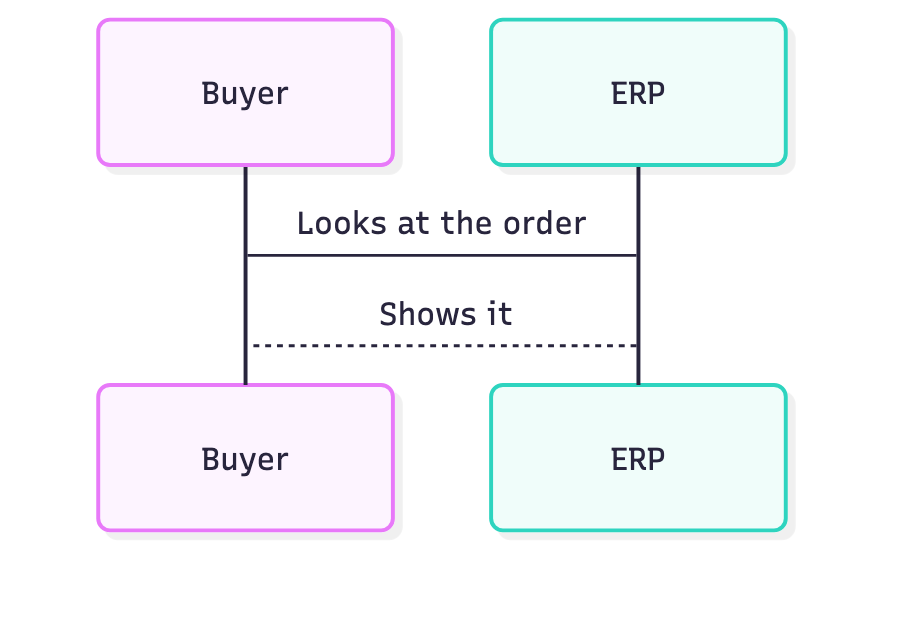

sequenceDiagram
  Buyer->ERP: Looks at the order
  ERP-->Buyer: Shows it
Drawn
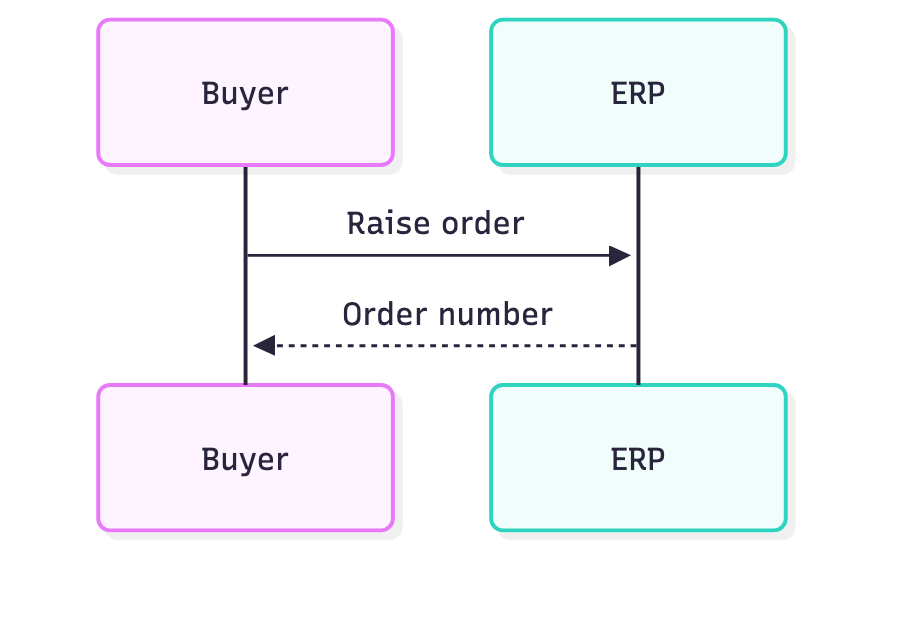

sequenceDiagram
  Buyer->>ERP: Raise order
  ERP-->>Buyer: Order number
Drawn
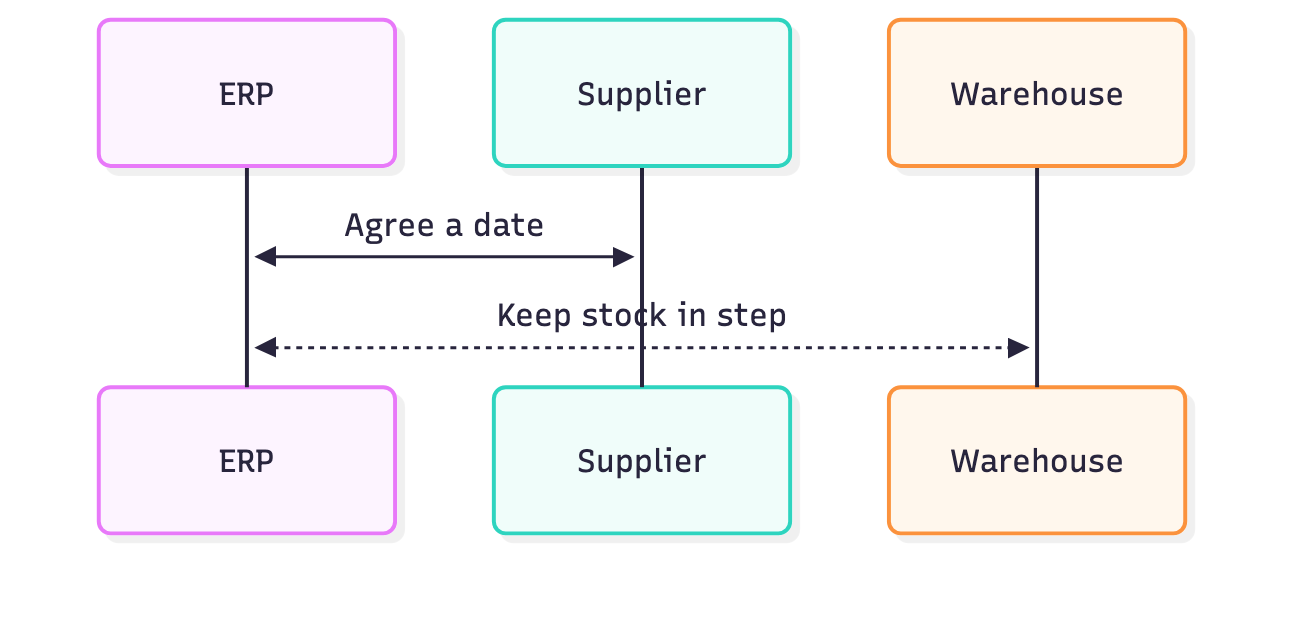

sequenceDiagram
  ERP<<->>Supplier: Agree a date
  ERP<<-->>Warehouse: Keep stock in step
Drawn
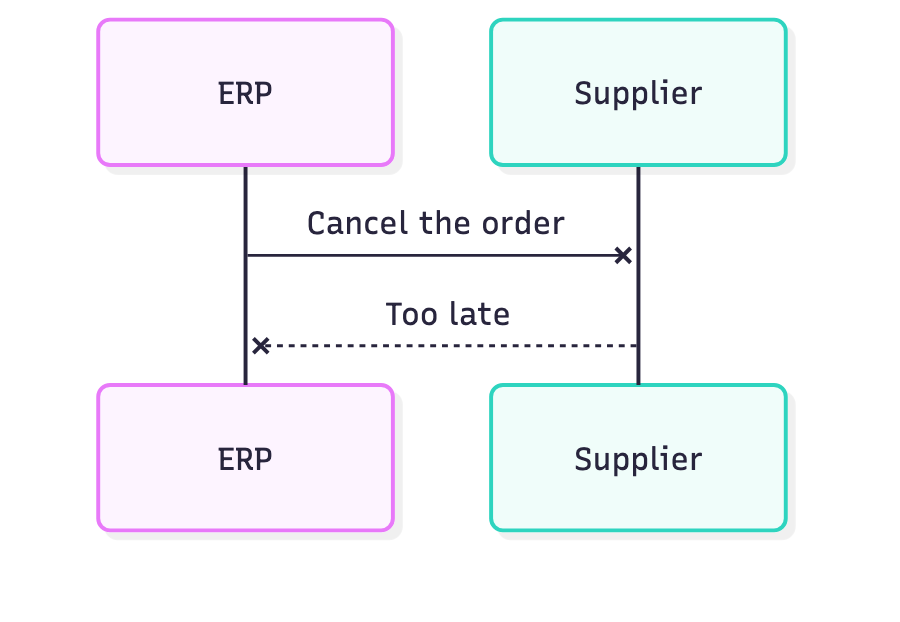

sequenceDiagram
  ERP-xSupplier: Cancel the order
  Supplier--xERP: Too late
Drawn
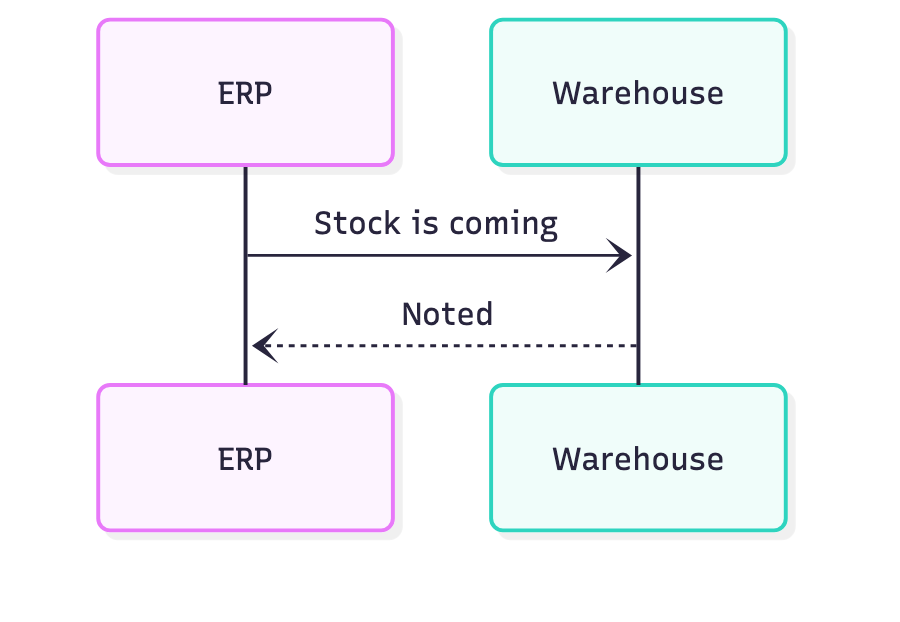

sequenceDiagram
  ERP-)Warehouse: Stock is coming
  Warehouse--)ERP: Noted
Drawn
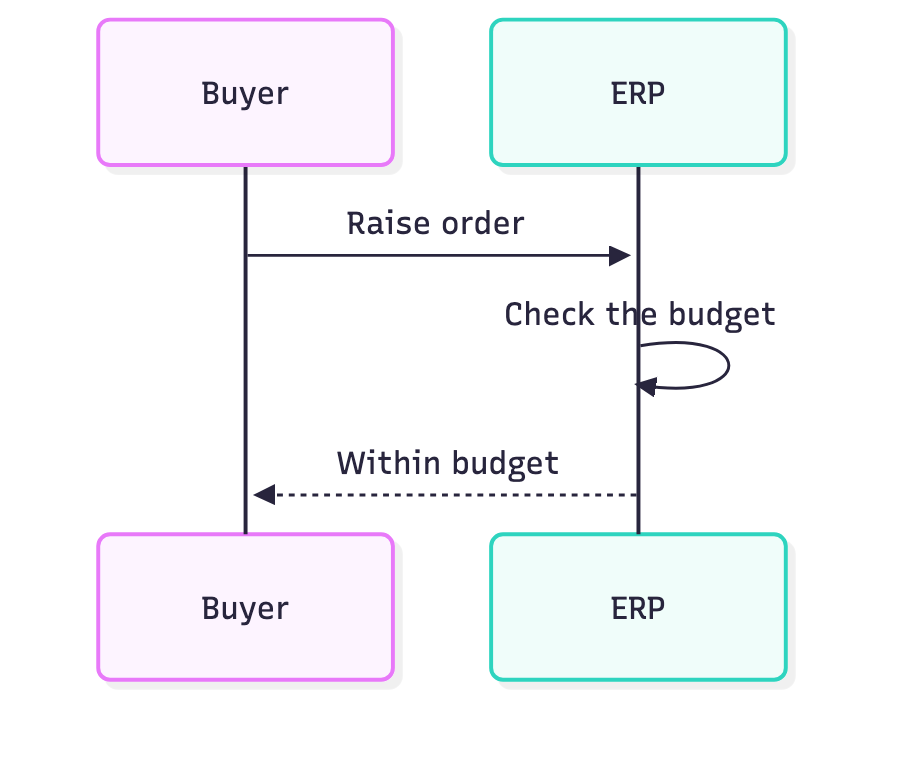

sequenceDiagram
  Buyer->>ERP: Raise order
  ERP->>ERP: Check the budget
  ERP-->>Buyer: Within budget
Drawn
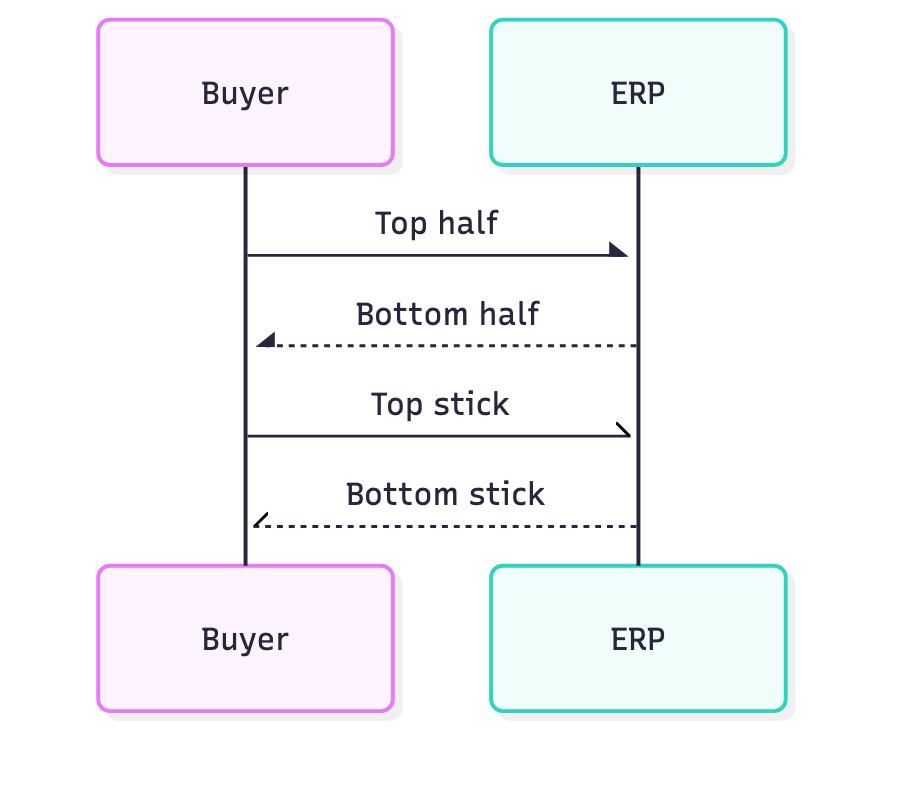

sequenceDiagram
  Buyer-|\ERP: Top half
  ERP--|/Buyer: Bottom half
  Buyer-\\ERP: Top stick
  ERP--//Buyer: Bottom stick
Drawn
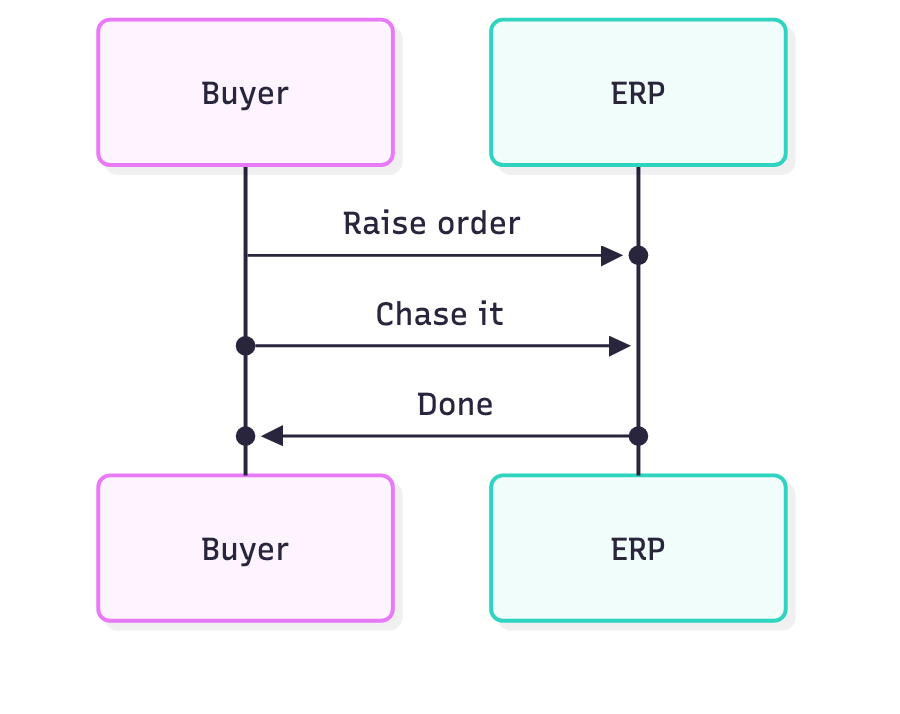

sequenceDiagram
  participant Buyer
  participant ERP
  Buyer->>()ERP: Raise order
  Buyer()->>ERP: Chase it
  ERP()->>()Buyer: Done
Drawn
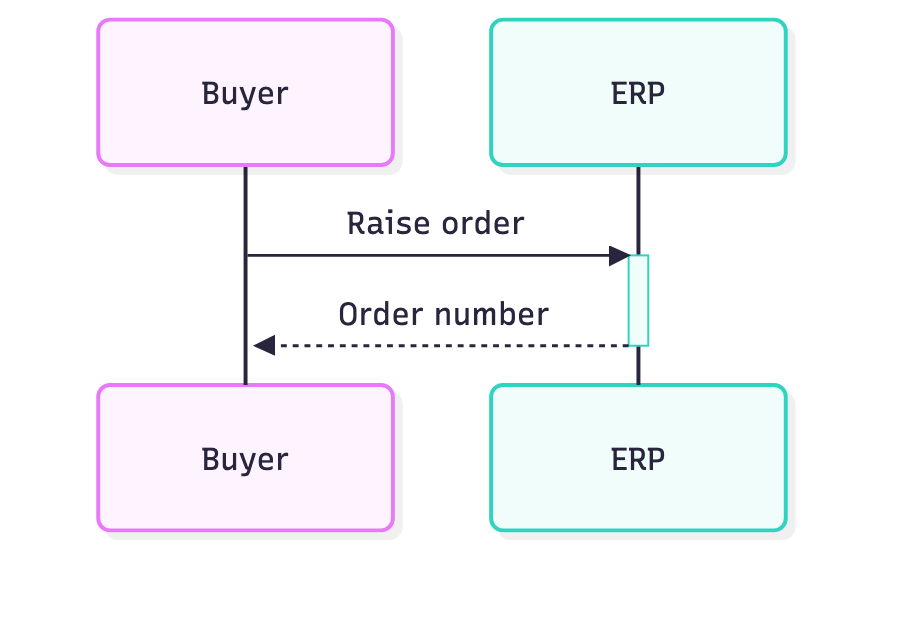

sequenceDiagram
  Buyer->>ERP: Raise order
  activate ERP
  ERP-->>Buyer: Order number
  deactivate ERP
Drawn
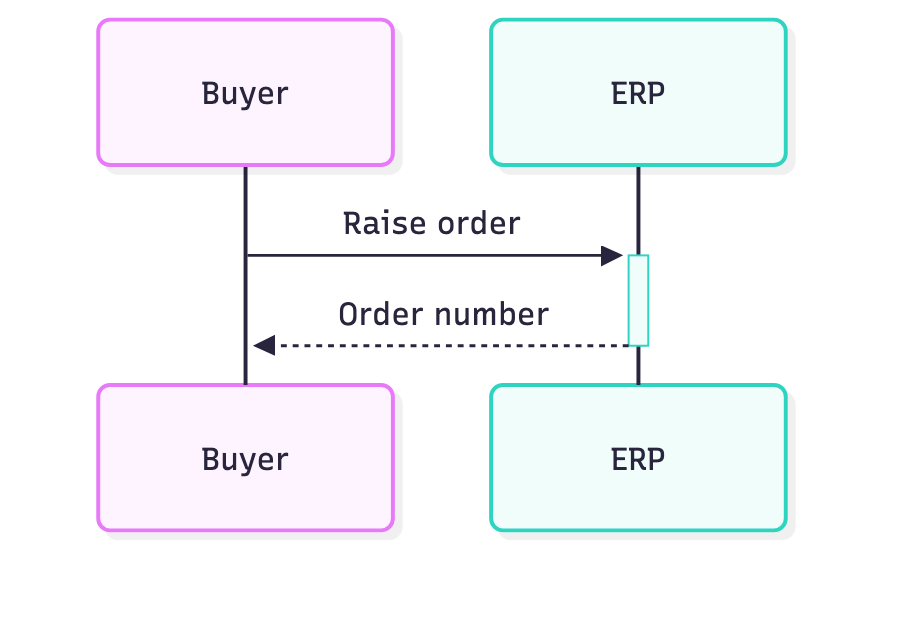

sequenceDiagram
  Buyer->>+ERP: Raise order
  ERP-->>-Buyer: Order number
Drawn
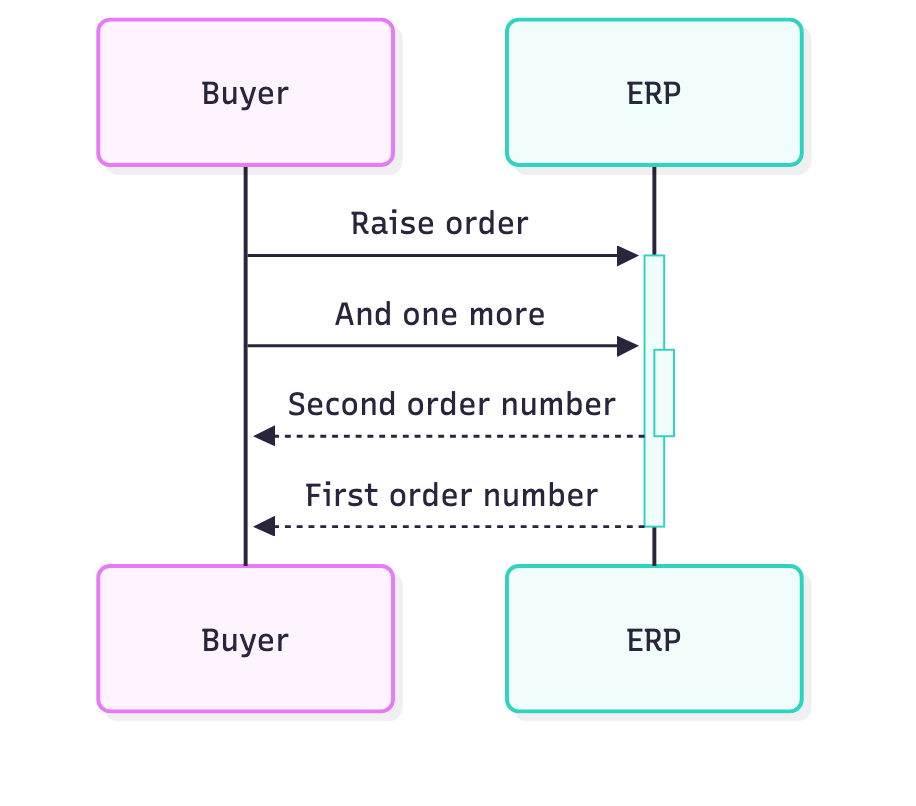

sequenceDiagram
  Buyer->>+ERP: Raise order
  Buyer->>+ERP: And one more
  ERP-->>-Buyer: Second order number
  ERP-->>-Buyer: First order number
Drawn
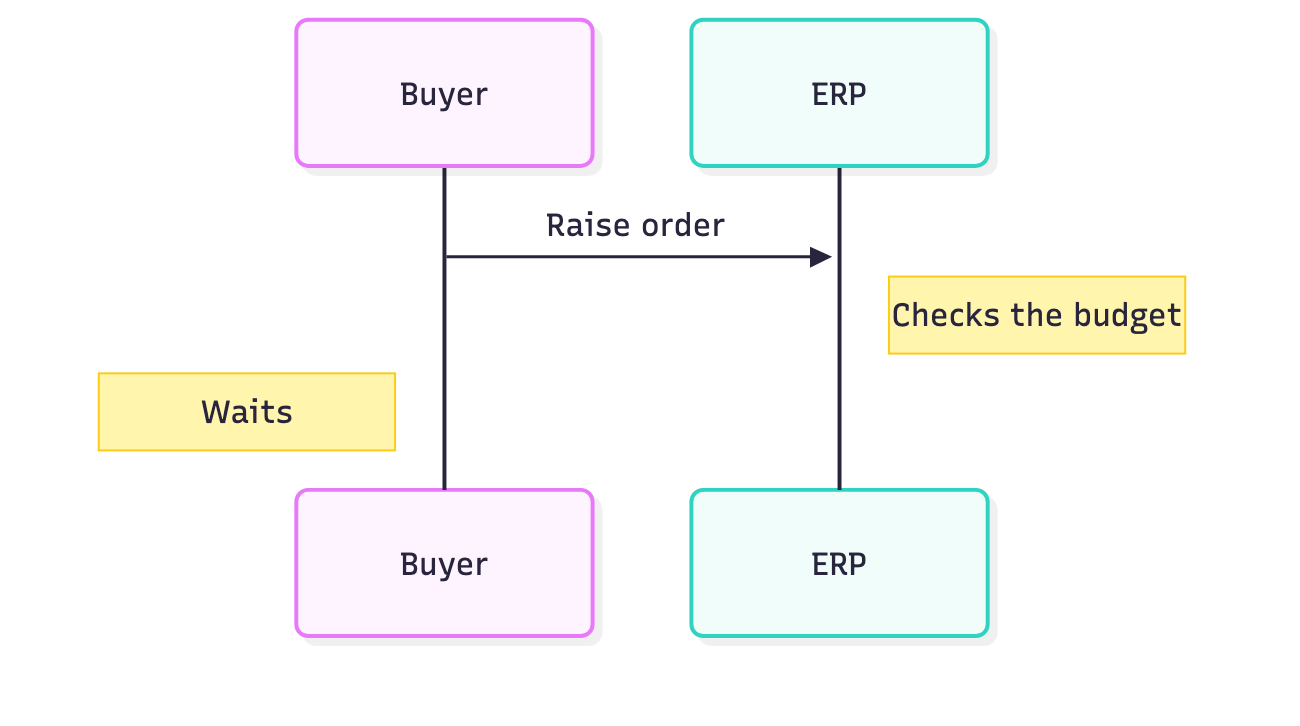

sequenceDiagram
  participant Buyer
  participant ERP
  Buyer->>ERP: Raise order
  Note right of ERP: Checks the budget
  Note left of Buyer: Waits
Drawn
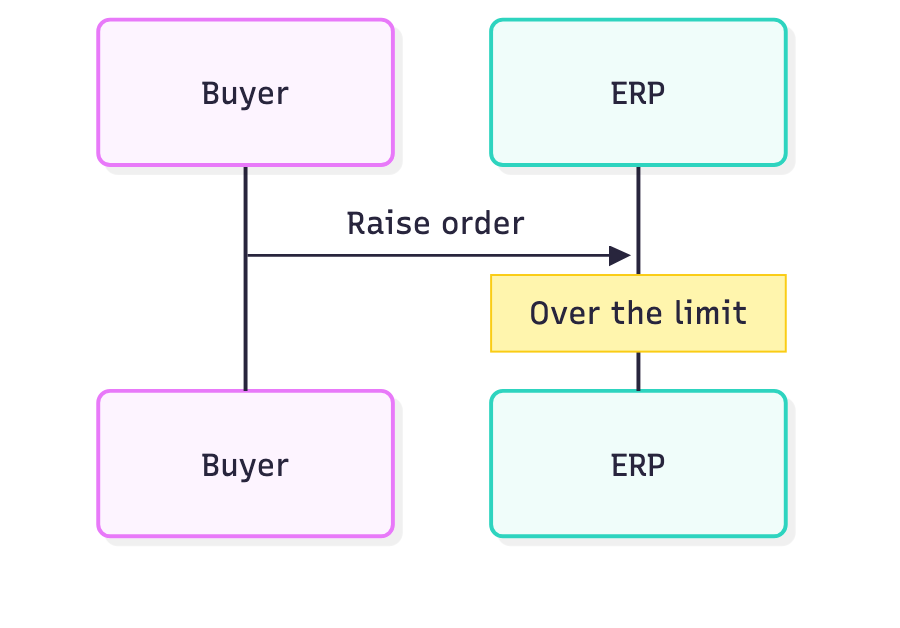

sequenceDiagram
  participant Buyer
  participant ERP
  Buyer->>ERP: Raise order
  Note over ERP: Over the limit
Drawn
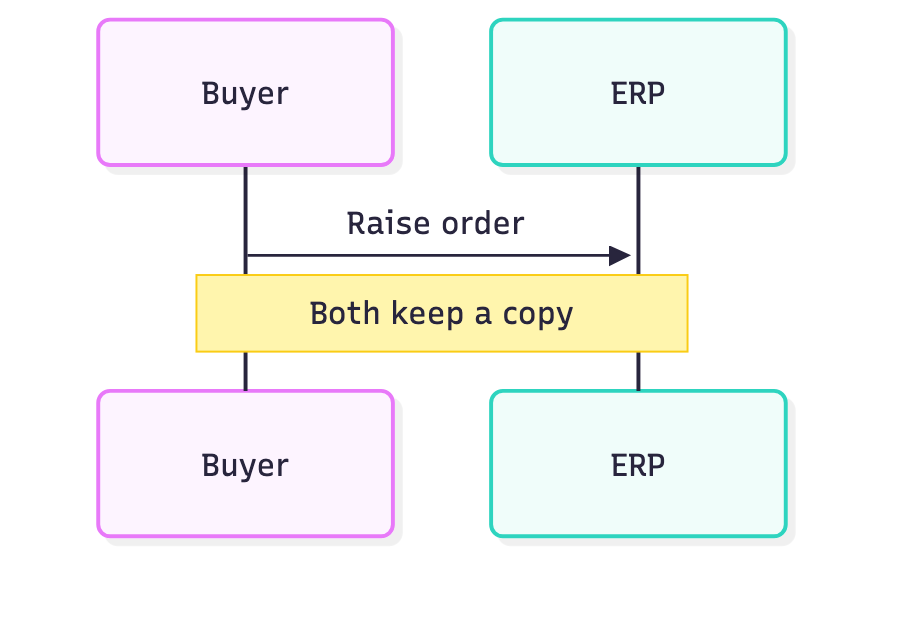

sequenceDiagram
  Buyer->>ERP: Raise order
  Note over Buyer,ERP: Both keep a copy
Drawn
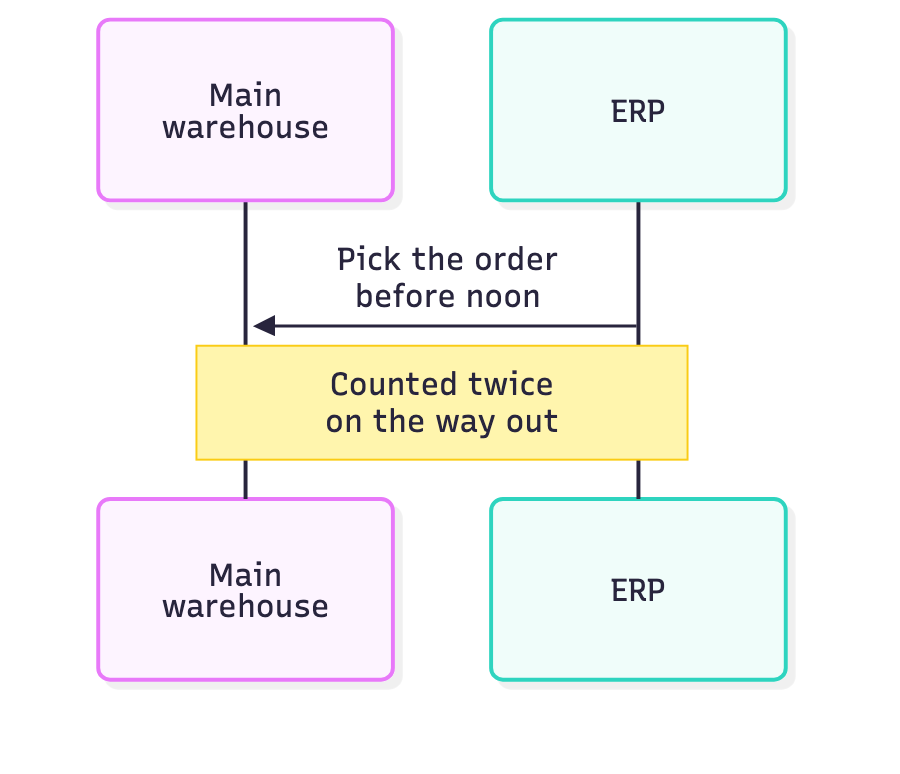

sequenceDiagram
  participant W as Main<br/>warehouse
  ERP->>W: Pick the order<br/>before noon
  Note over ERP,W: Counted twice<br/>on the way out
Drawn
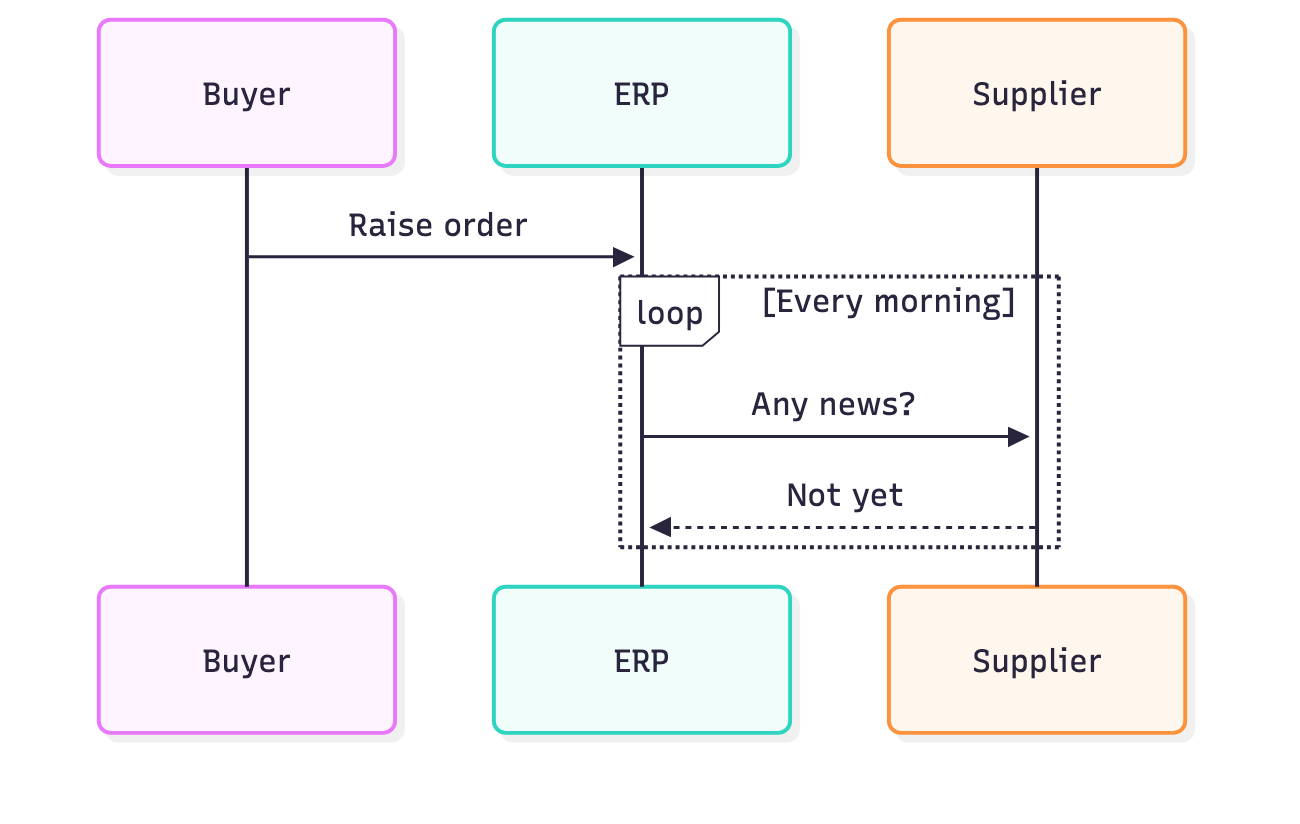

sequenceDiagram
  Buyer->>ERP: Raise order
  loop Every morning
    ERP->>Supplier: Any news?
    Supplier-->>ERP: Not yet
  end
Drawn
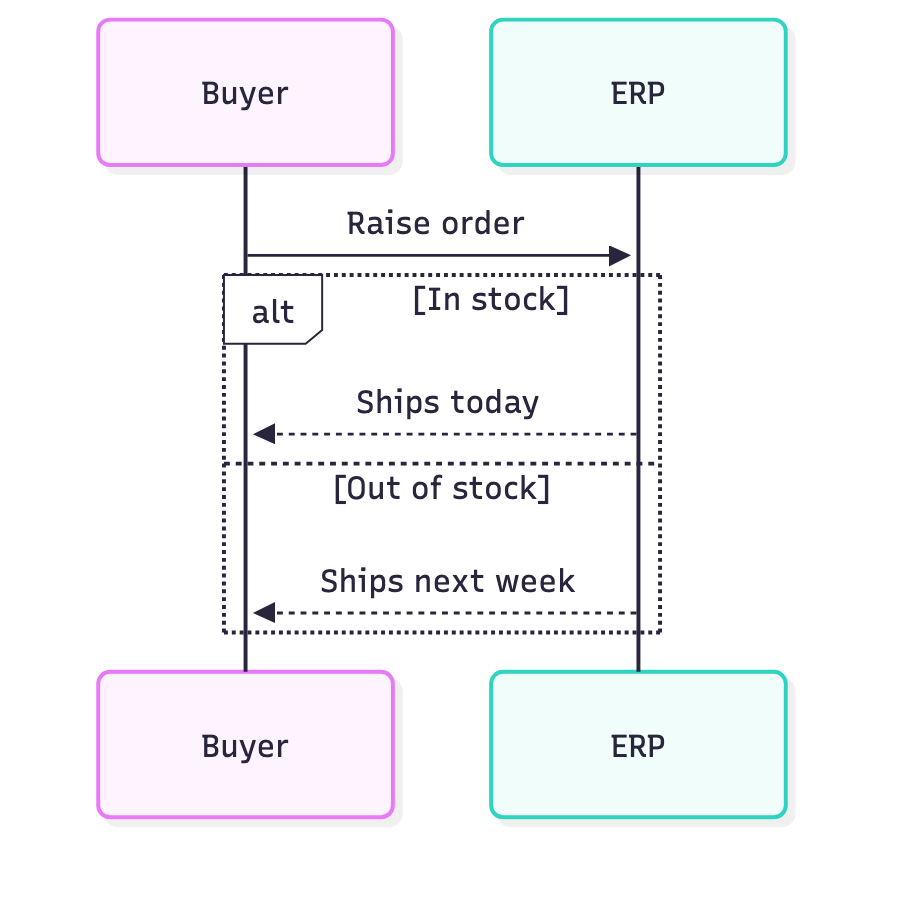

sequenceDiagram
  Buyer->>ERP: Raise order
  alt In stock
    ERP-->>Buyer: Ships today
  else Out of stock
    ERP-->>Buyer: Ships next week
  end
Drawn
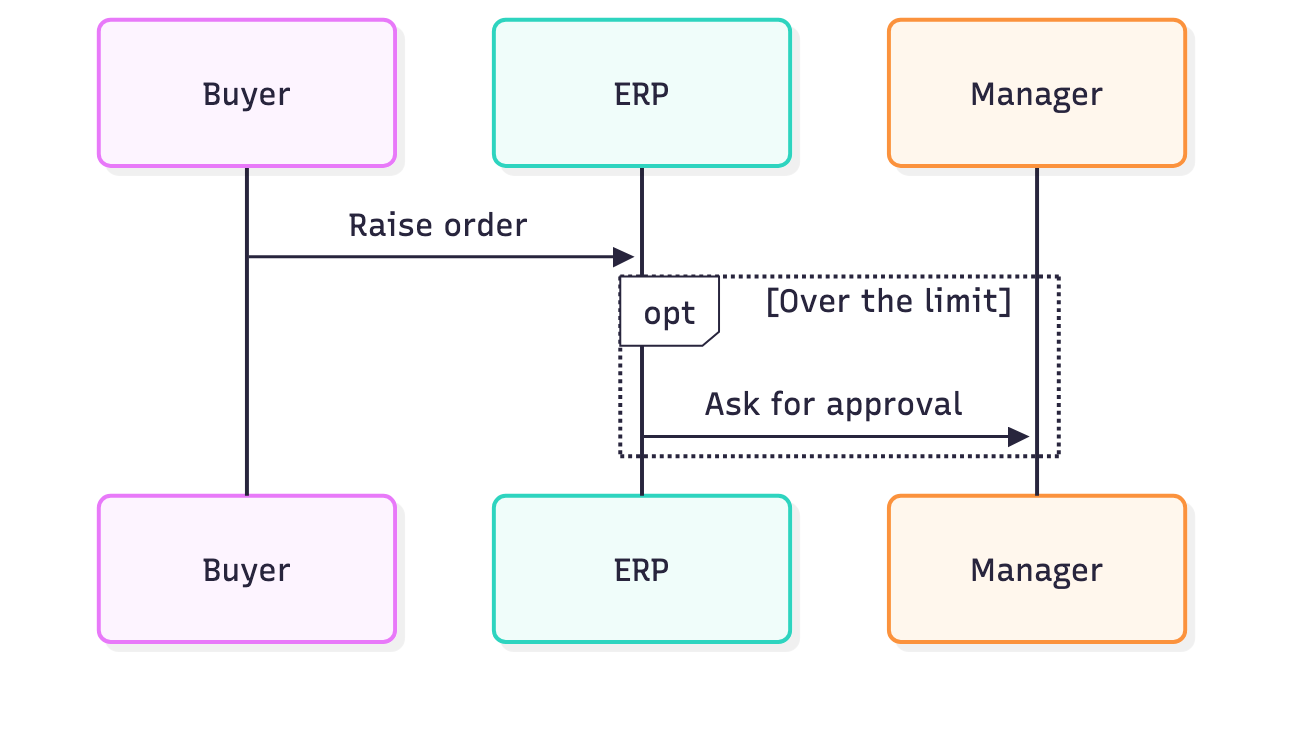

sequenceDiagram
  Buyer->>ERP: Raise order
  opt Over the limit
    ERP->>Manager: Ask for approval
  end
Drawn
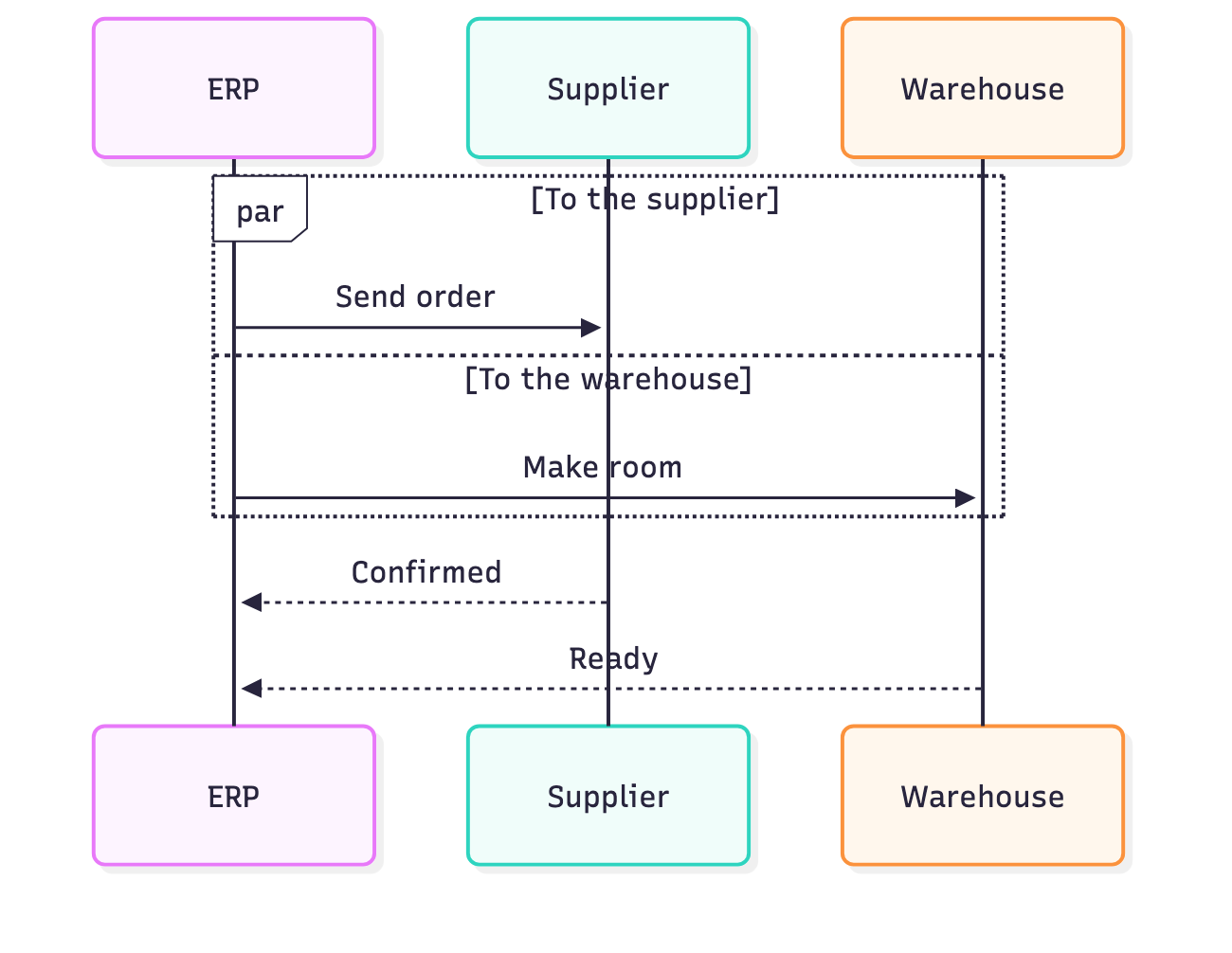

sequenceDiagram
  par To the supplier
    ERP->>Supplier: Send order
  and To the warehouse
    ERP->>Warehouse: Make room
  end
  Supplier-->>ERP: Confirmed
  Warehouse-->>ERP: Ready
Drawn
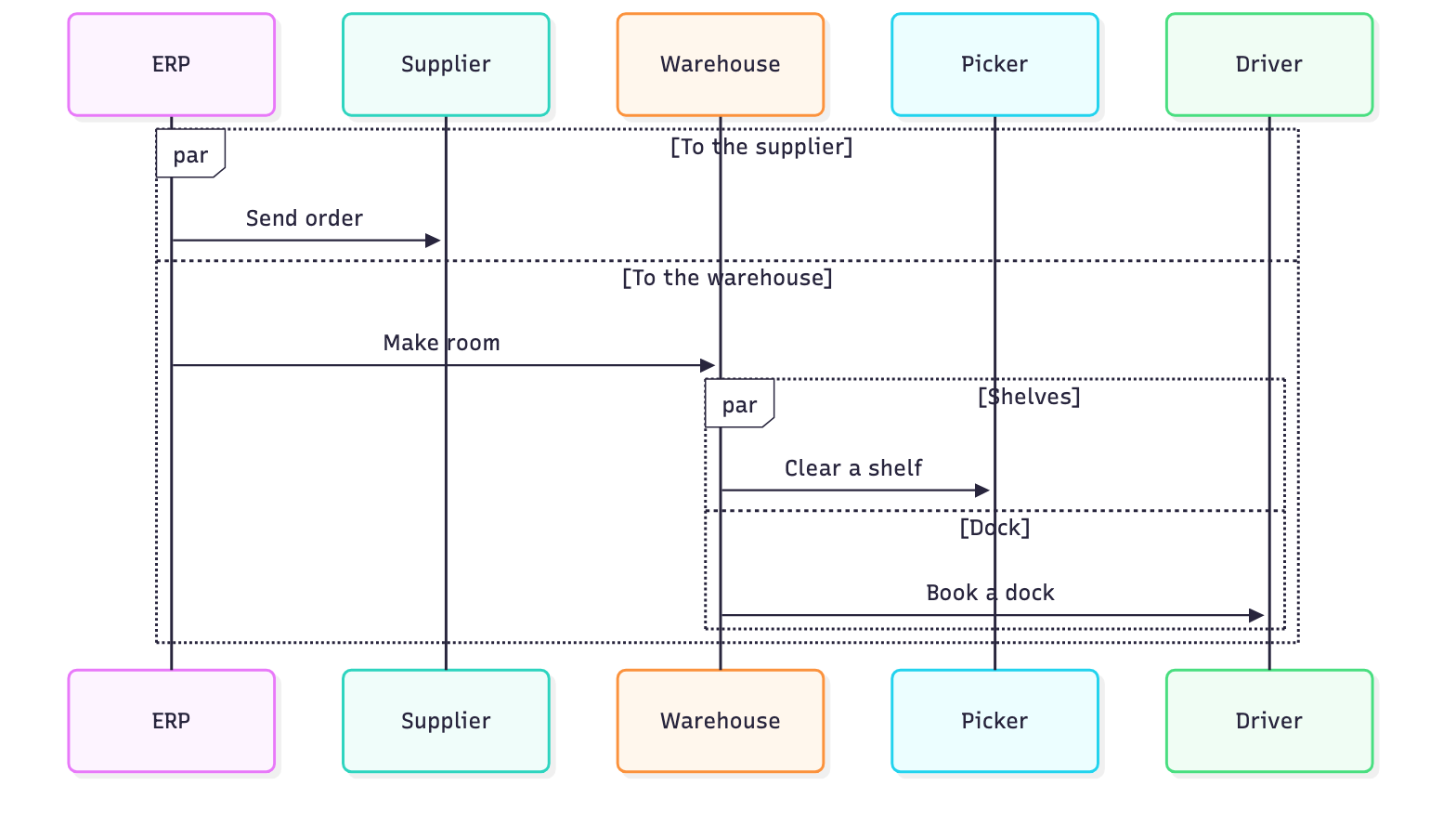

sequenceDiagram
  par To the supplier
    ERP->>Supplier: Send order
  and To the warehouse
    ERP->>Warehouse: Make room
    par Shelves
      Warehouse->>Picker: Clear a shelf
    and Dock
      Warehouse->>Driver: Book a dock
    end
  end
Drawn
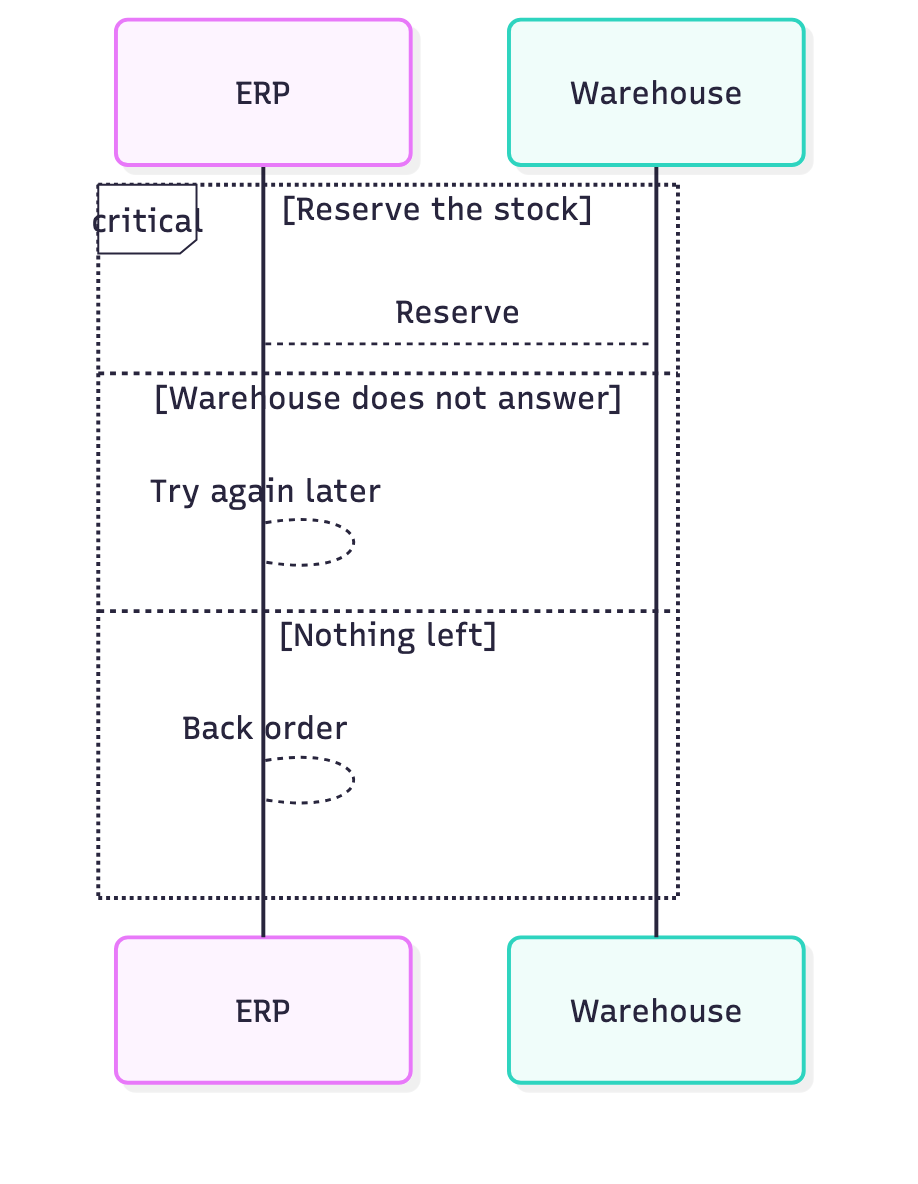

sequenceDiagram
  critical Reserve the stock
    ERP-->Warehouse: Reserve
  option Warehouse does not answer
    ERP-->ERP: Try again later
  option Nothing left
    ERP-->ERP: Back order
  end
Drawn
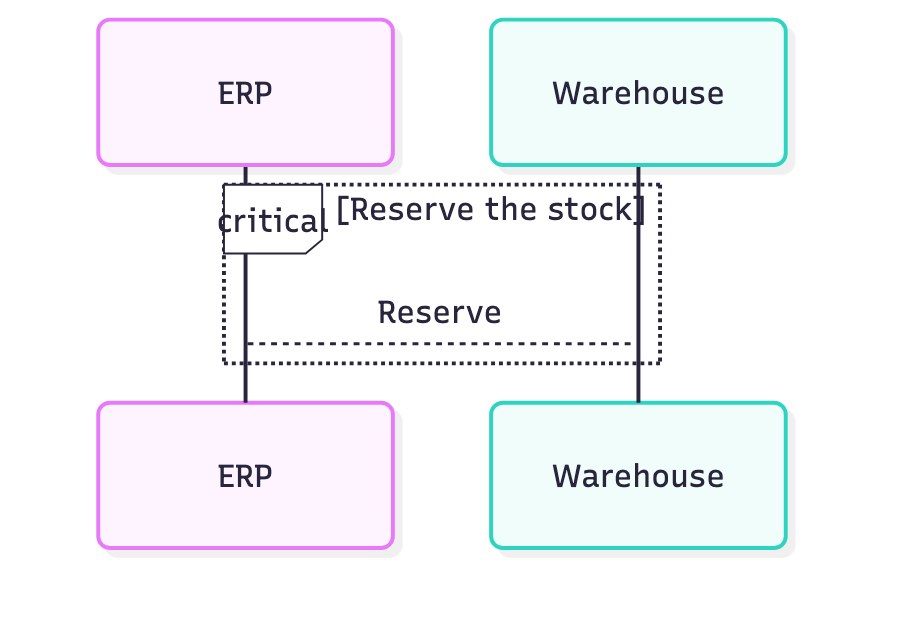

sequenceDiagram
  critical Reserve the stock
    ERP-->Warehouse: Reserve
  end
Drawn
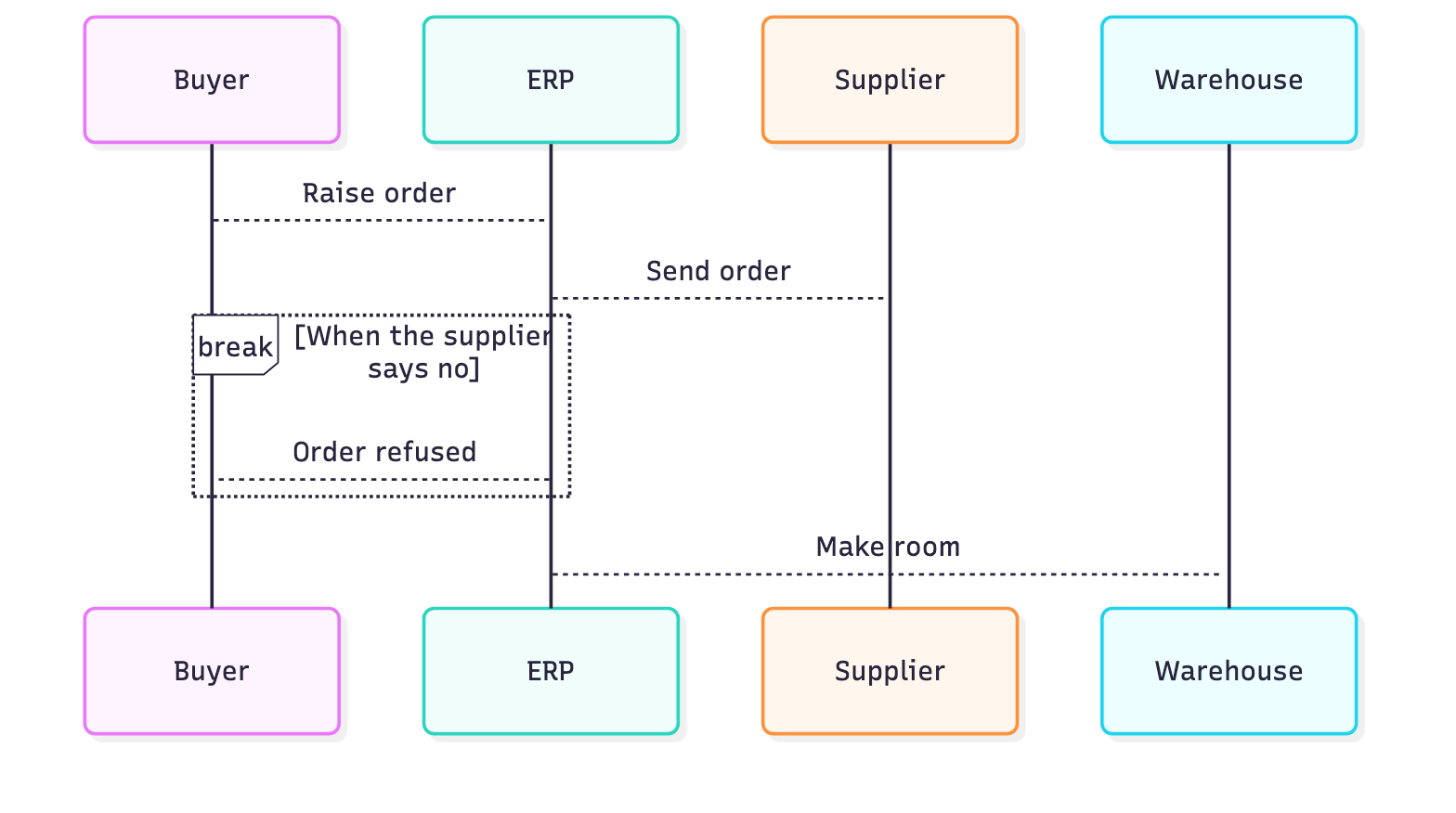

sequenceDiagram
  Buyer-->ERP: Raise order
  ERP-->Supplier: Send order
  break When the supplier says no
    ERP-->Buyer: Order refused
  end
  ERP-->Warehouse: Make room
Drawn
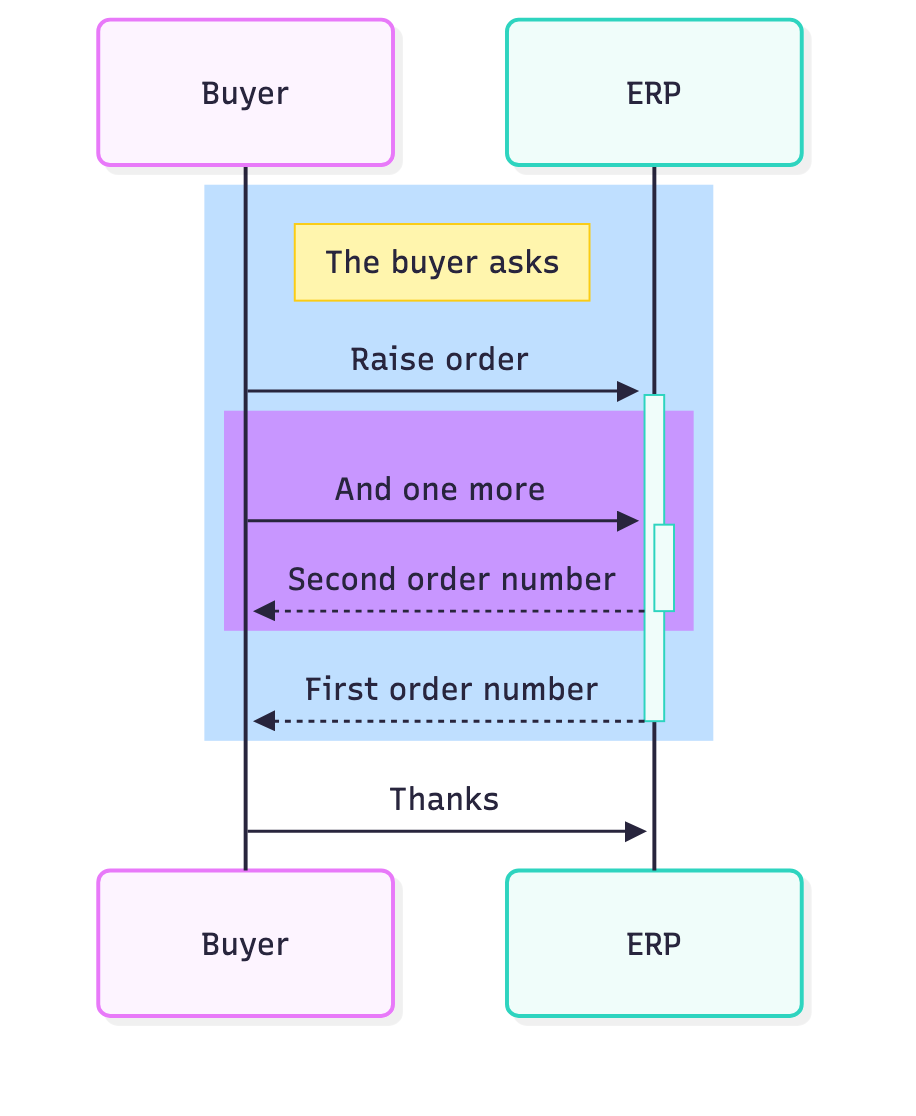

sequenceDiagram
  participant Buyer
  participant ERP
  rect rgb(191, 223, 255)
  note right of Buyer: The buyer asks
  Buyer->>+ERP: Raise order
  rect rgb(200, 150, 255)
  Buyer->>+ERP: And one more
  ERP-->>-Buyer: Second order number
  end
  ERP-->>-Buyer: First order number
  end
  Buyer->>ERP: Thanks
Drawn
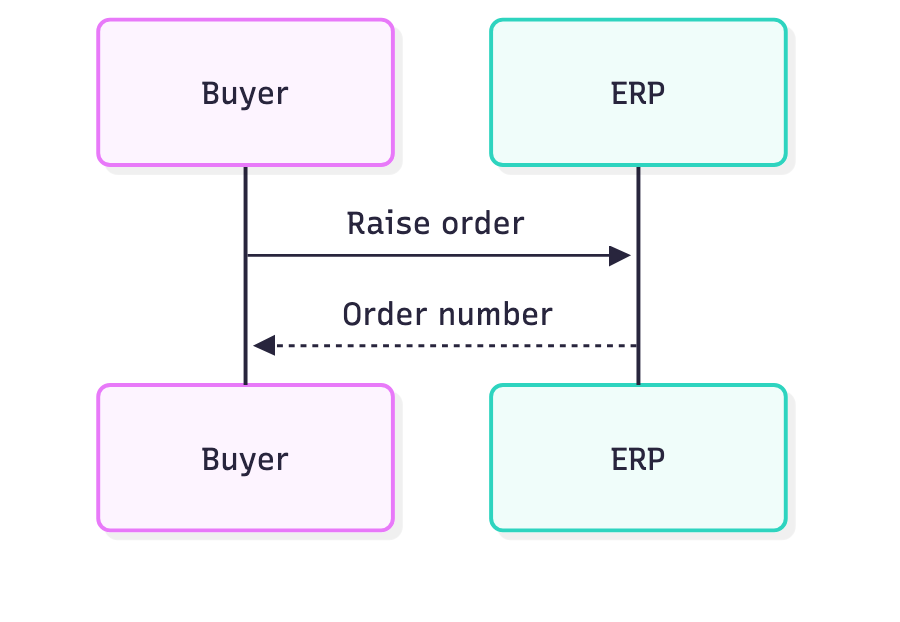

sequenceDiagram
  Buyer->>ERP: Raise order
  %% the reply comes straight back
  ERP-->>Buyer: Order number
Drawn
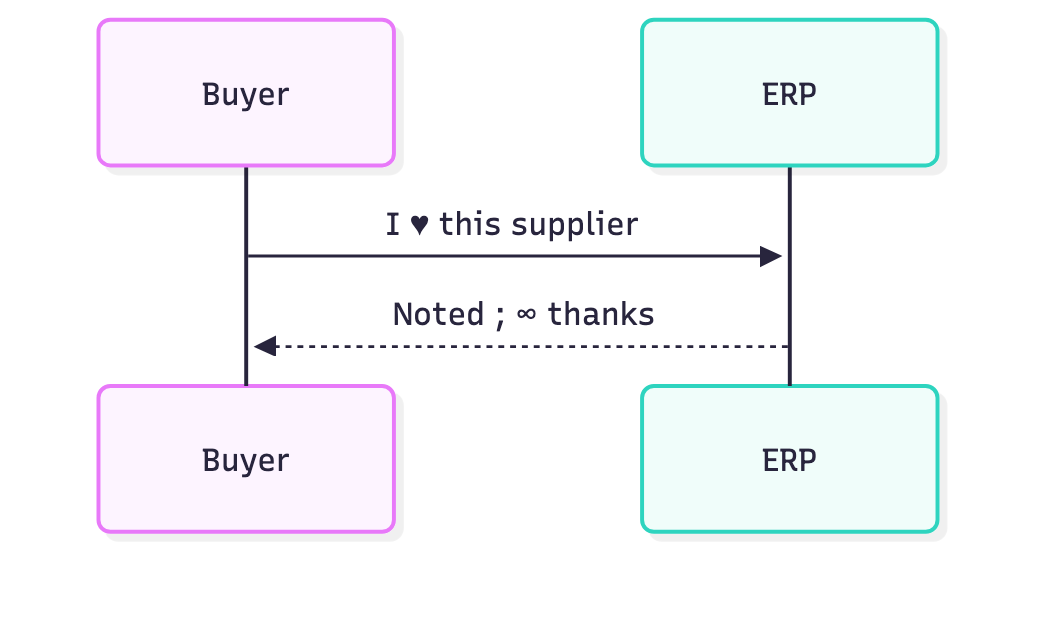

sequenceDiagram
  Buyer->>ERP: I #9829; this supplier
  ERP-->>Buyer: Noted #59; #infin; thanks
Drawn
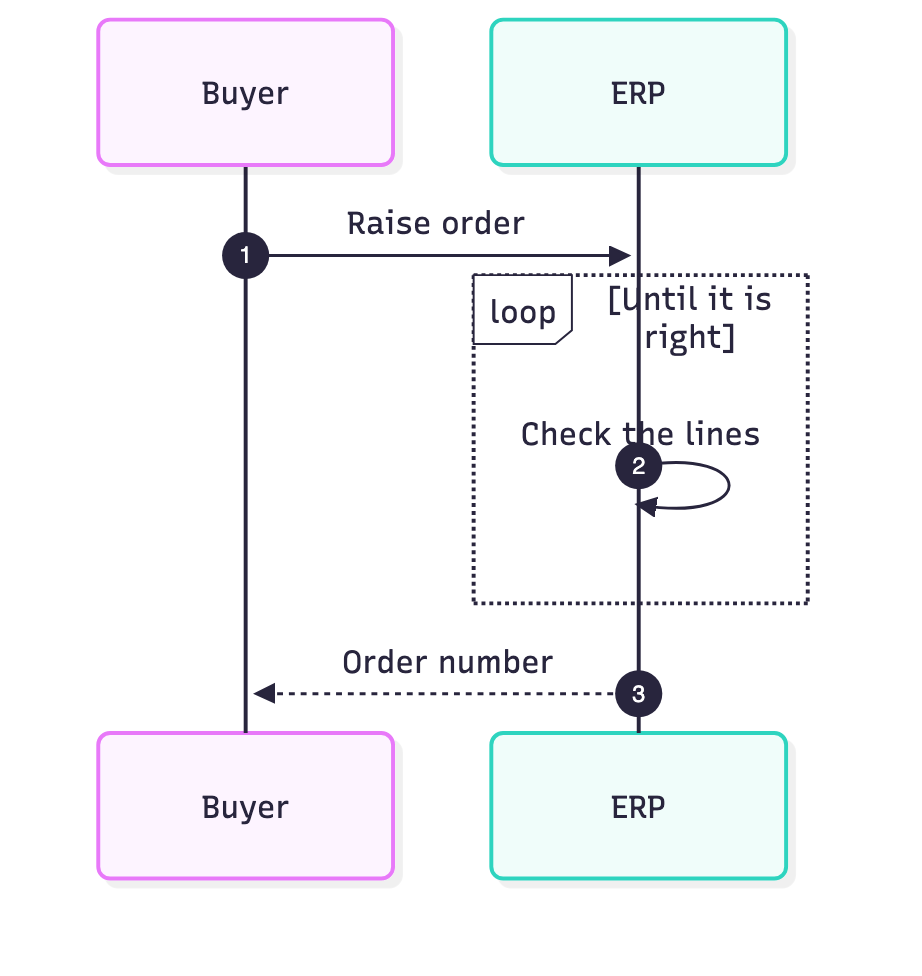

sequenceDiagram
  autonumber
  Buyer->>ERP: Raise order
  loop Until it is right
    ERP->>ERP: Check the lines
  end
  ERP-->>Buyer: Order number
Drawn
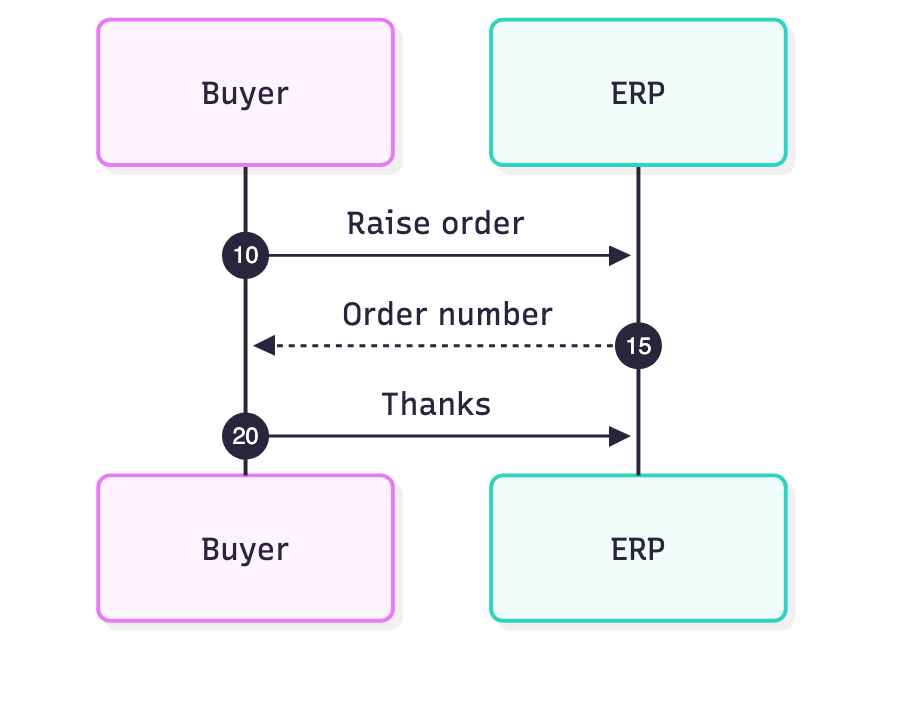

sequenceDiagram
  autonumber 10 5
  Buyer->>ERP: Raise order
  ERP-->>Buyer: Order number
  Buyer->>ERP: Thanks
Drawn, less something The menus are left out: a page of Merlive opens no links
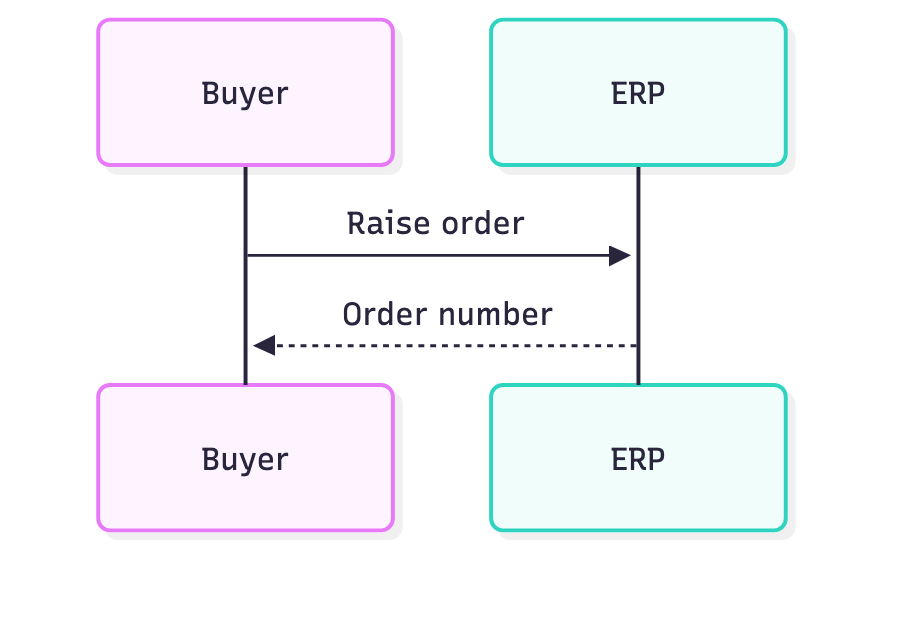

sequenceDiagram
  participant Buyer
  participant ERP
  link Buyer: Open orders @ https://example.com/orders
  links ERP: {"Status": "https://example.com/status", "Wiki": "https://example.com/wiki"}
  Buyer->>ERP: Raise order
  ERP-->>Buyer: Order number
Drawn
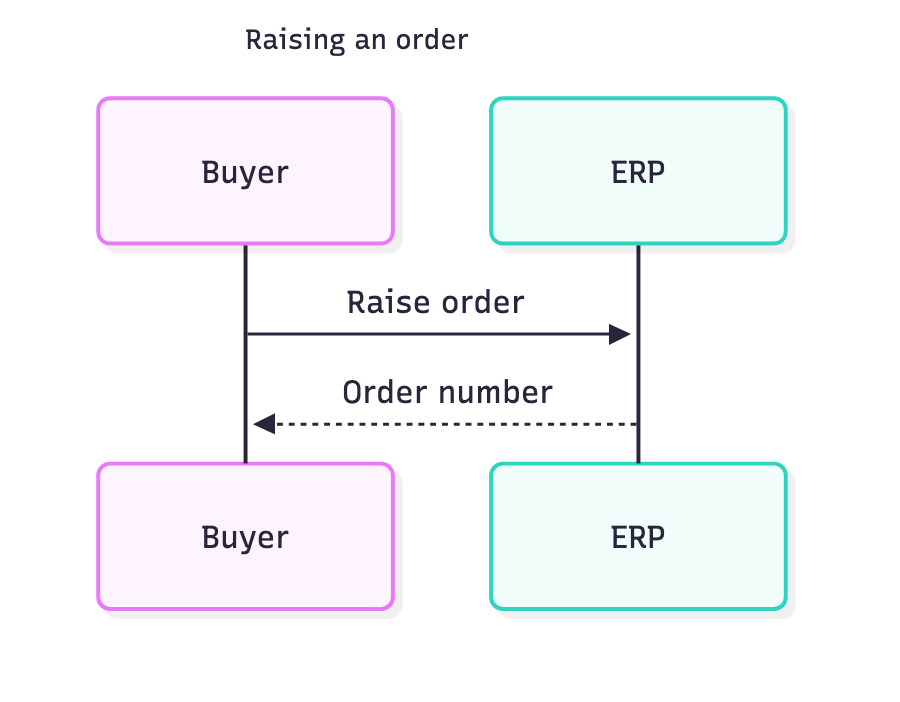

sequenceDiagram
  title: Raising an order
  Buyer->>ERP: Raise order
  ERP-->>Buyer: Order number
Drawn
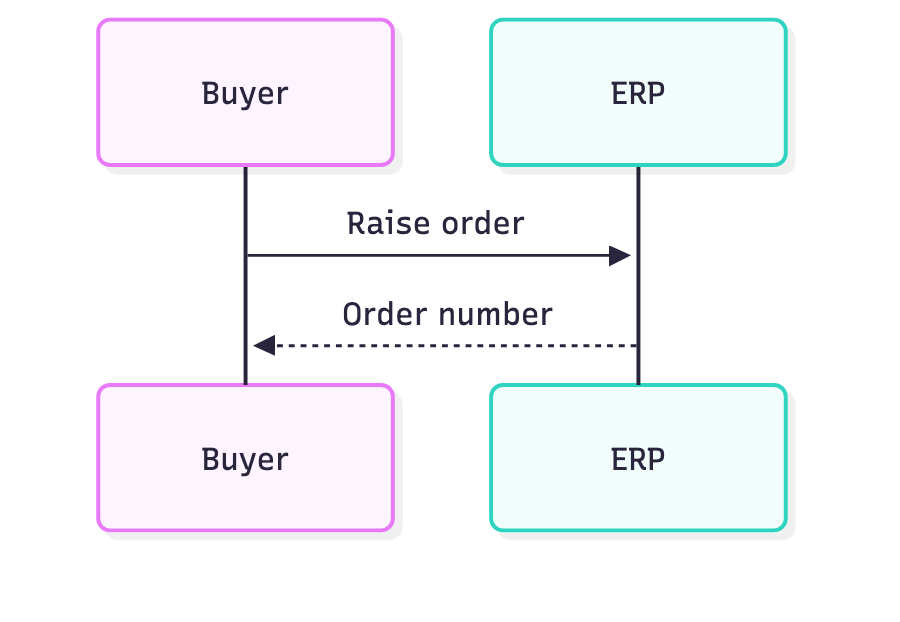

sequenceDiagram
  accTitle: Raising an order
  accDescr: The buyer raises an order and the ERP answers with its number
  Buyer->>ERP: Raise order
  ERP-->>Buyer: Order number
Drawn
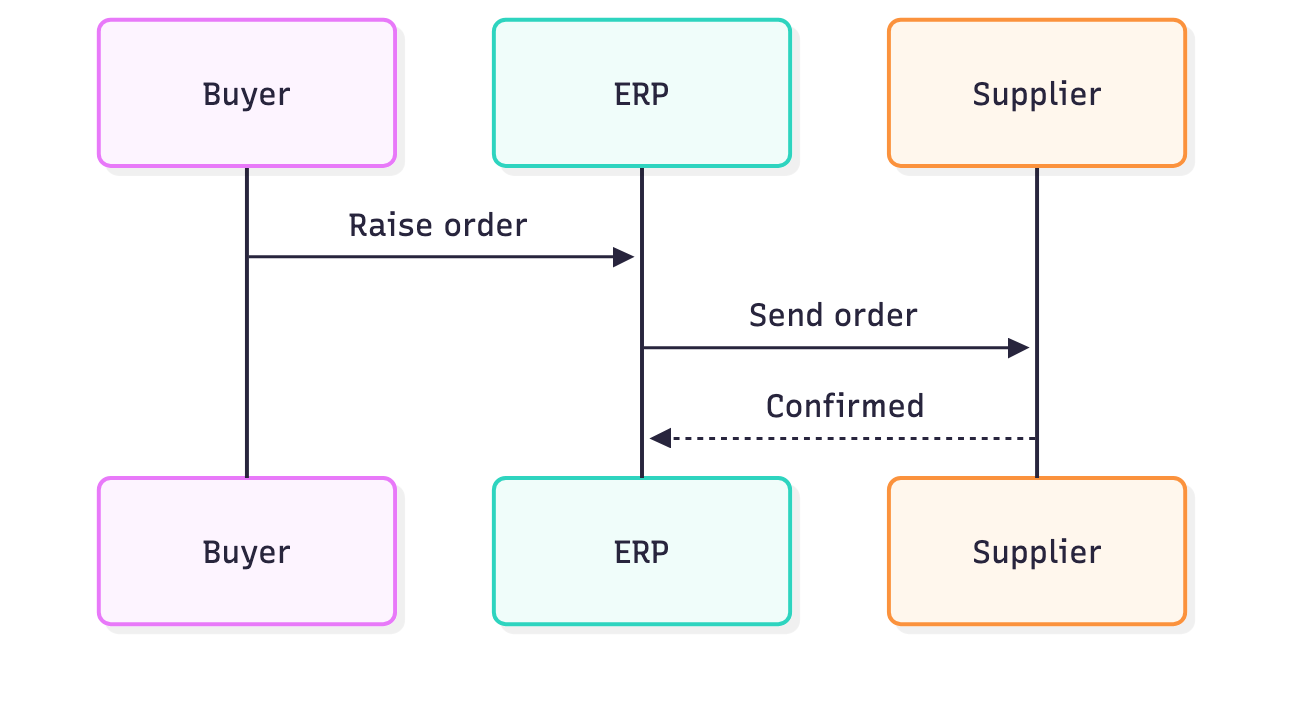

sequenceDiagram
  Buyer->>ERP: Raise order; ERP->>Supplier: Send order; Supplier-->>ERP: Confirmed
Drawn, less something Mermaid's own settings are read past: the look and the numbering are the design's and the diagram's own
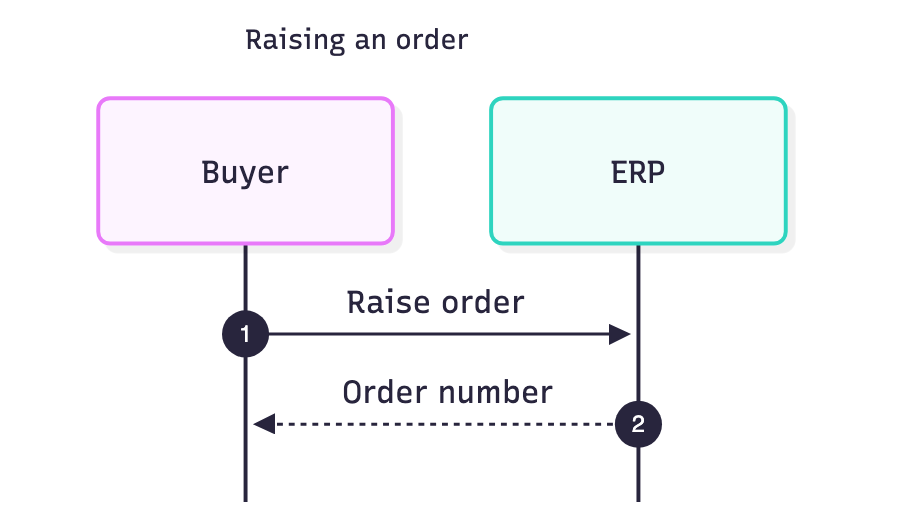

---
title: Raising an order
config:
  sequence:
    mirrorActors: false
    showSequenceNumbers: true
---
sequenceDiagram
  Buyer->>ERP: Raise order
  ERP-->>Buyer: Order number